
Plan Ahead: September 8–9 — Online and mobile banking move to view-only for a short window as we finish our Digital Banking upgrade. Learn More

Advanced Financial Wellness

Smarter budgeting, deeper insights, and a forecast for your financial future.

Advanced Financial Wellness

Turn your Digital Banking into a complete financial wellness toolkit.

Elements has upgraded its budgeting and financial tools to Advanced Financial Wellness.

All the budgeting tools you rely on are here — now with even more features — giving you a fuller picture of where your finances stand today and where they're headed.

Key Features

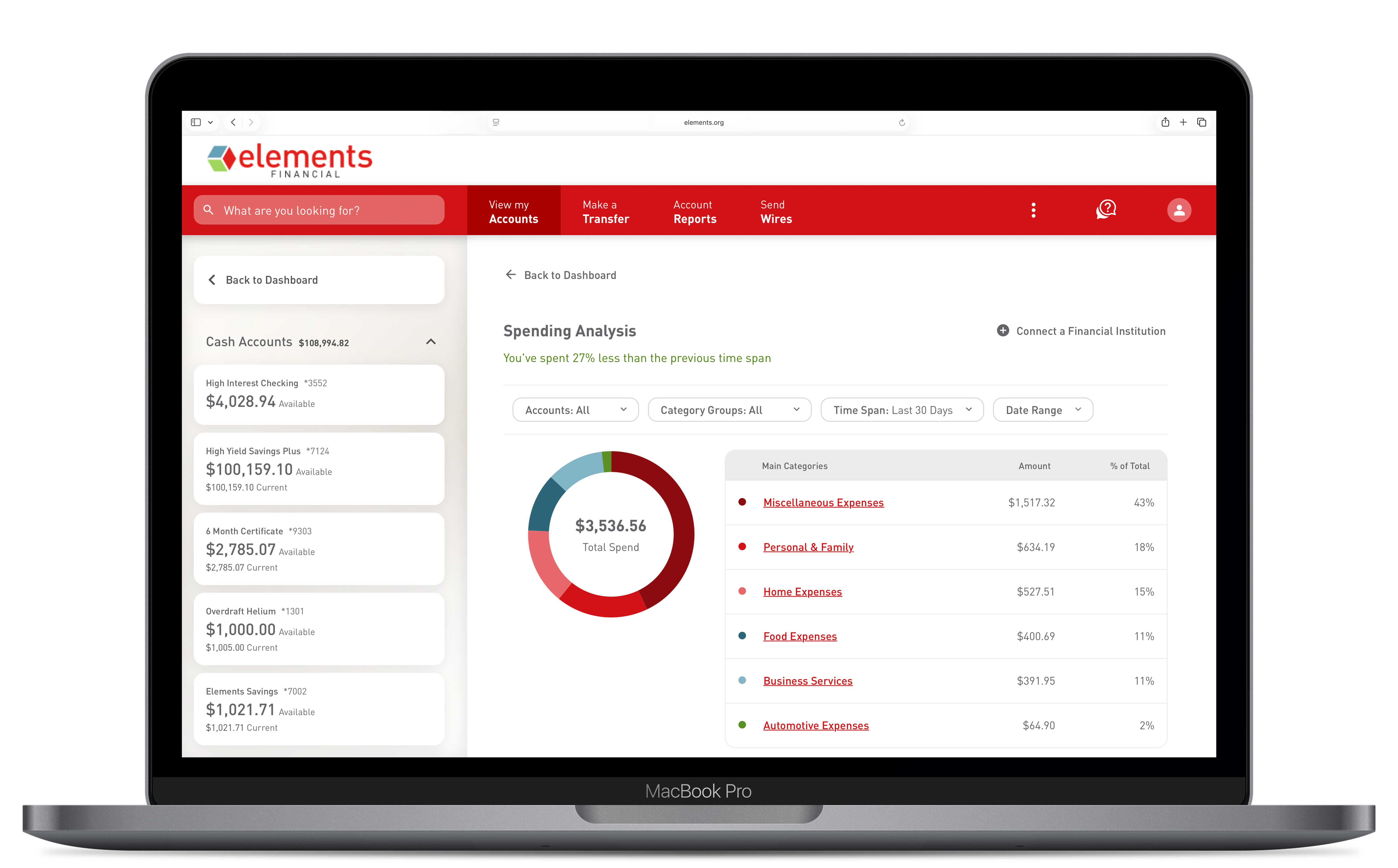
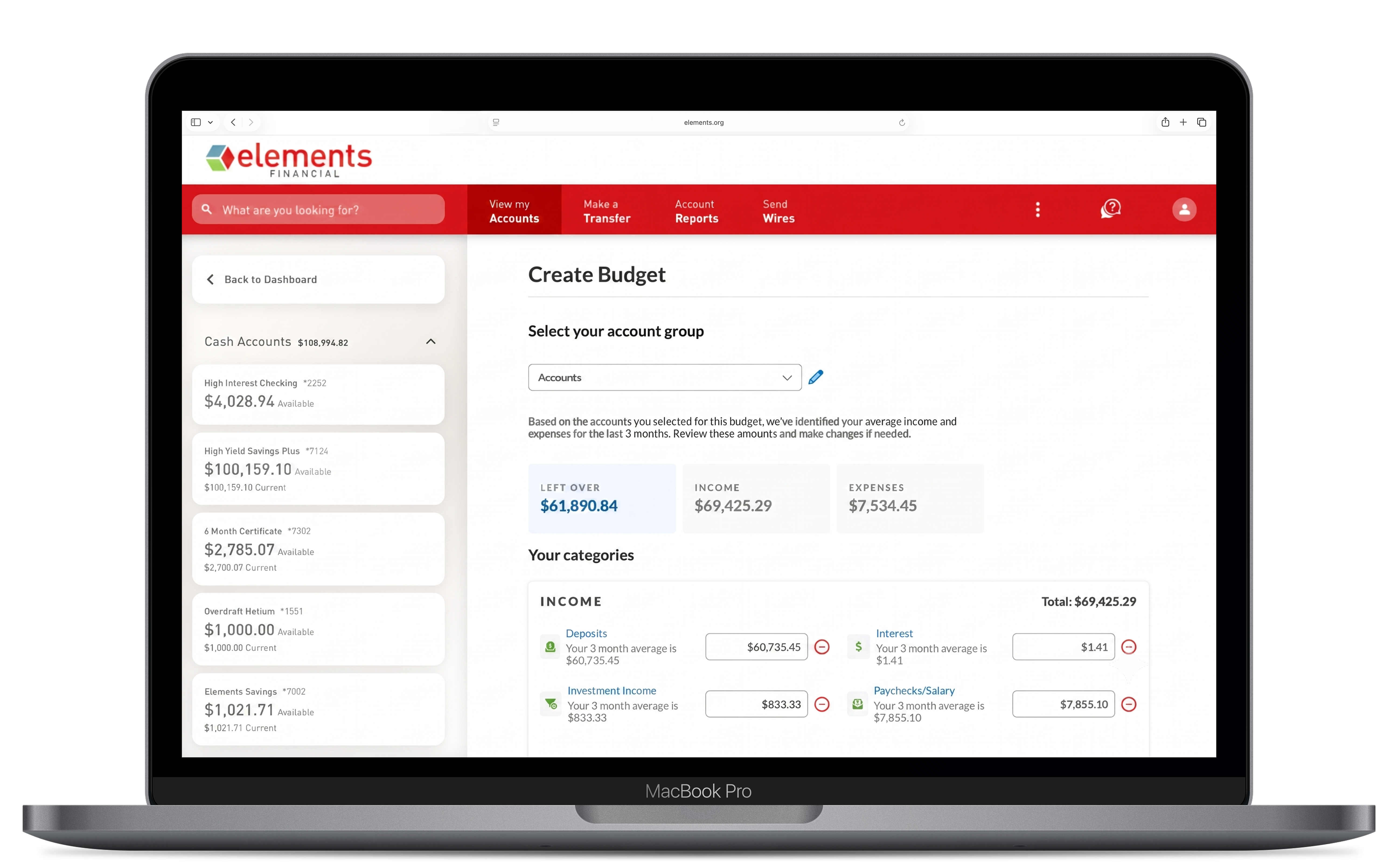
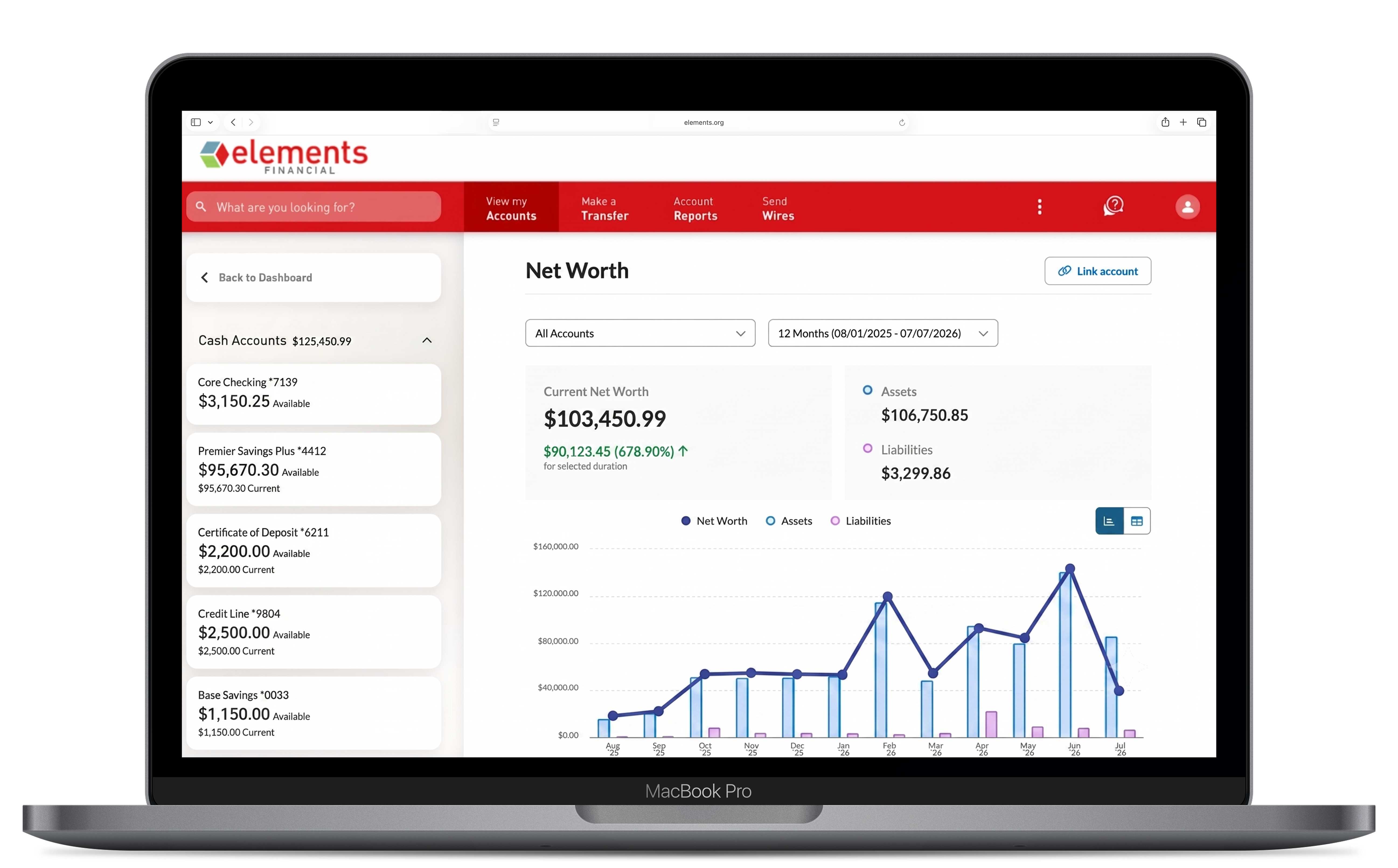
  • Financial Wellness Snapshot — Quick, easy-to-understand views of Spending Analysis, Budget, Cash Flow, and Net Worth
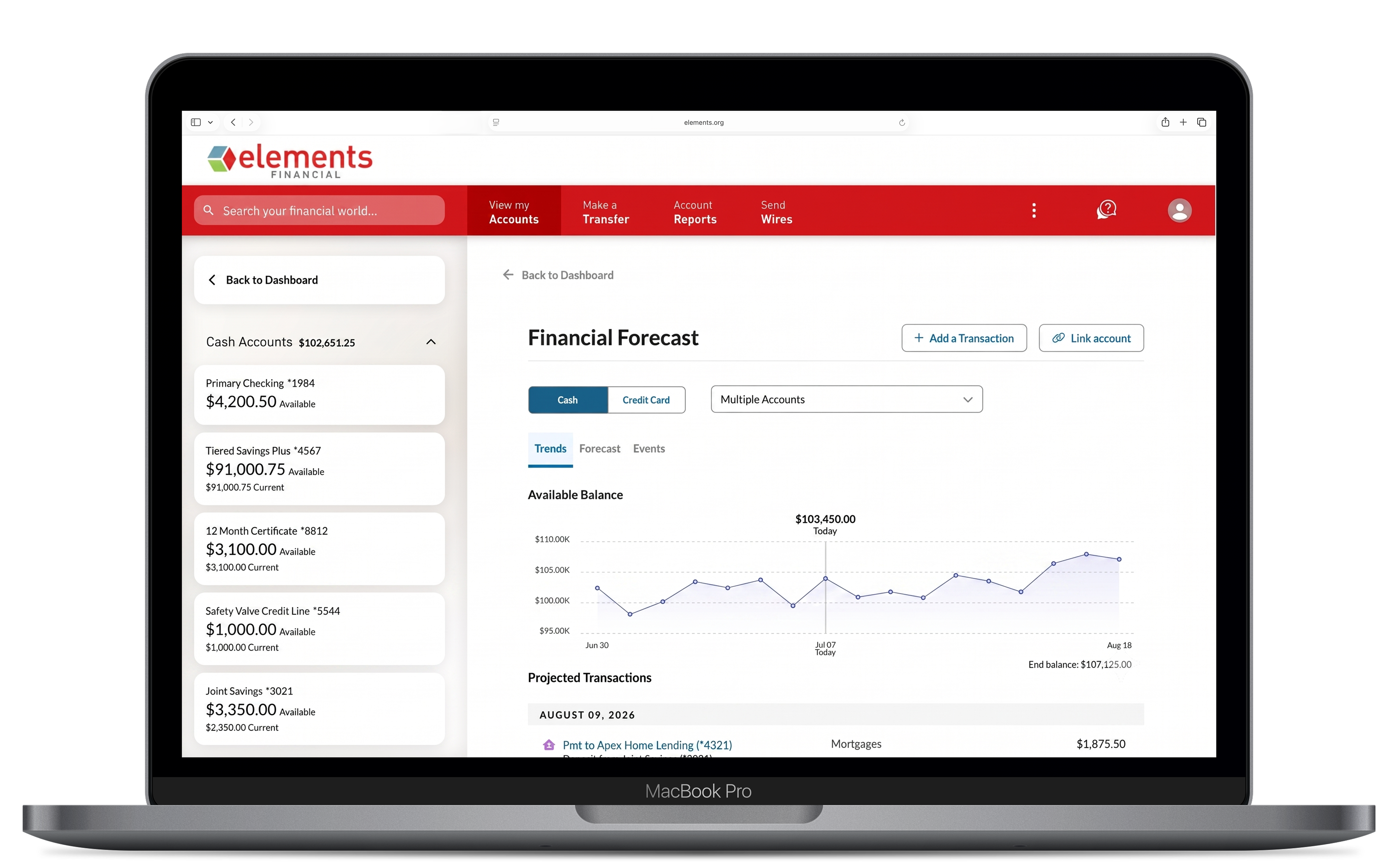
  • Spend Forecast — see where your spending is headed before it happens, directly from your dashboard
  • External Account Linking — Link accounts you hold at other financial institutions for a complete view of your finances

What changed with the budgeting tools?

Our budgeting tools include features you already use — Spending Analysis, Budget, Trends, Cash Flow, Net Worth, and Debts.

Upgraded Digital Banking also adds three new widgets that appear directly on your dashboard: 

  • Financial Health Checkup: a snapshot of your overall financial health across key categories. 
  • Spend Forecast: a projection of your upcoming spending based on your transaction history and recurring payments. 
  • Spending Analysis: an enhanced view of your spending patterns, replacing the previous Spending widget. 

Will my existing budgets and linked accounts carry over?

Your accounts at Elements will remain available in the new tools.

For linked external accounts (at other financial institutions), you may need to relink them after the upgrade. We recommend reviewing your linked accounts after logging in on September 9 to confirm they're connected. 

How do I activate and access Advanced Financial Wellness?

After the September upgrade, Advanced Financial Wellness is built directly into Digital Banking — no extra app needed.

To activate it, go to your account homescreen and click on either the Spending Analysis or Spend Forecast widget. Accept the terms and conditions, and all three dashboard widgets — Spend Forecast, Spending Analysis, and Financial Health Checkup — will appear on your homescreen immediately. 

How do I link accounts from other banks?

After the September upgrade, linking accounts from other financial institutions lets you see your complete financial picture in one place. On a computer, click the "Link Account" button next to the financial wellness widgets on the Digital Banking homescreen.

On the mobile app, tap "Budgeting Tools" from the home screen and then "Link Account." You can search for your institution from a list of major banks and credit unions. Note: if your bank isn't listed, they may not participate in our financial data provider network.