
Plan Ahead: September 8–9 — Online and mobile banking move to view-only for a short window as we finish our Digital Banking upgrade. Learn More

Manage Users

Give trusted access — without sharing your login.

Manage Users

Share account access securely, on your terms.

With the upgraded Digital Banking's Manage Users feature, you can give a trusted family member, accountant, or other person secure access to your Elements accounts — without sharing your personal login credentials.

You stay in control: assign the appropriate level of access and revoke it at any time.

Manage Users Key Features

  • Secure Shared Access: Add another user to your account without sharing your login ID or password

  • Built for Trusted Third Parties: Ideal for accountants, financial advisors, or family members who need account visibility

  • Customizable Permissions: Users are assigned access rights that you control

  • Revoke Anytime: Revoke access at any time from within Digital Banking

Who can I add as a Managed User?

You can add any person you trust — such as an accountant, financial advisor, or family member — who needs visibility into or limited access to your Elements accounts.

This feature is ideal for situations where you want someone to help you manage your finances without giving them full access to your account.

Will the added user be able to move money out of my account?

The access level granted to each user is controlled by you. You can assign view-only access, which prevents the user from initiating transactions. Review the access options available when setting up the user to choose the appropriate level for your situation. 

How do I add a Managed User?

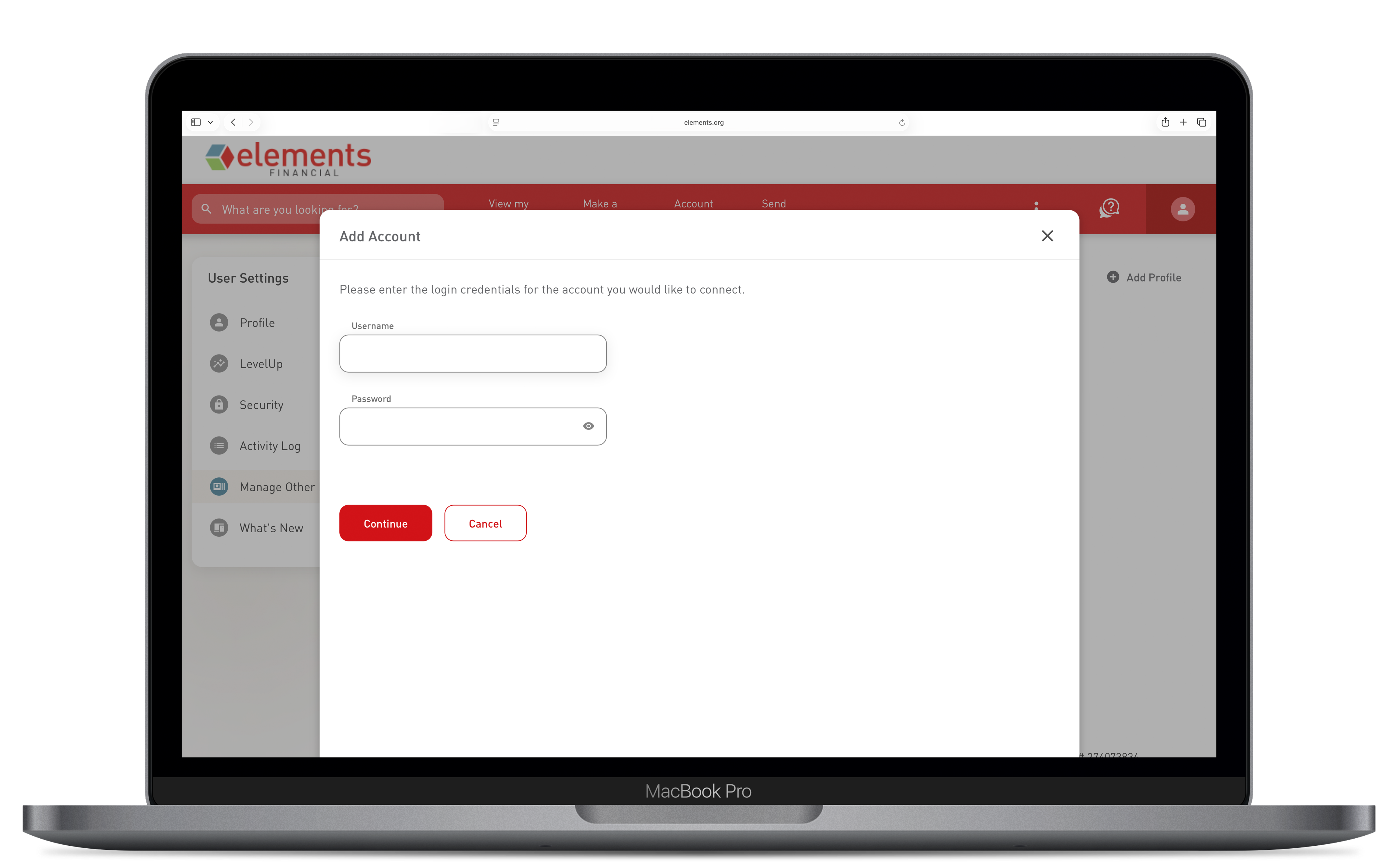
After the upgrade in September, simply log in to Elements Digital Banking and navigate to Manage Users in the account settings.

Enter the new user's information and assign their access level. They'll receive an invitation to create their own login credentials. 

Can I add more than one Managed User?

Yes. You can add multiple Managed Users to your account — each with their own login credentials. Manage all of them from the Manage Users section within Elements Digital Banking. 

Will the added user be able to see all my accounts?

By default, a Managed User is granted view-only access to the accounts you share with them. You control which accounts they can see and what actions, if any, they're permitted to take. You can update or revoke their access at any time from within Digital Banking.