

How do I see my credit score in Digital Banking?
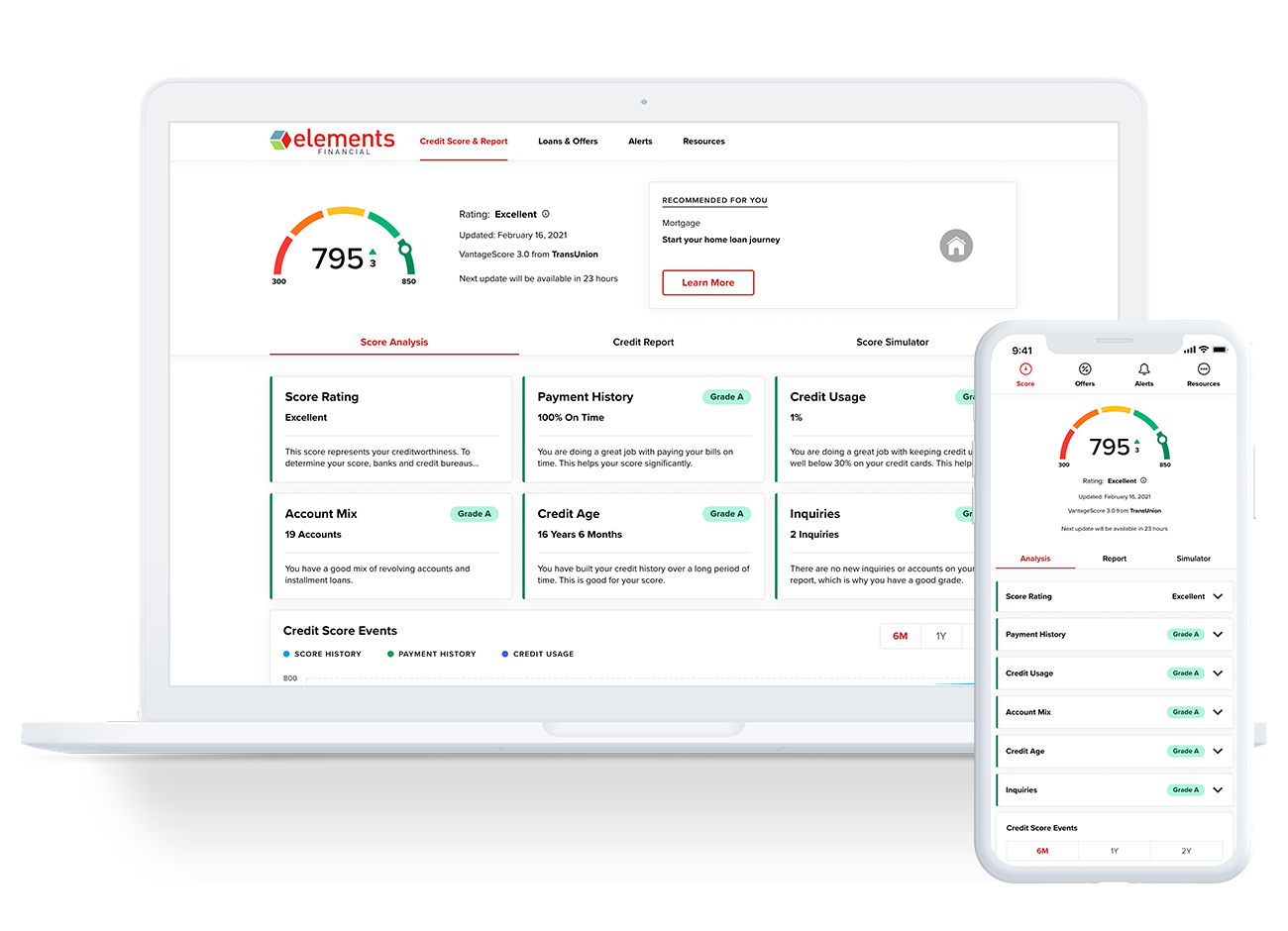
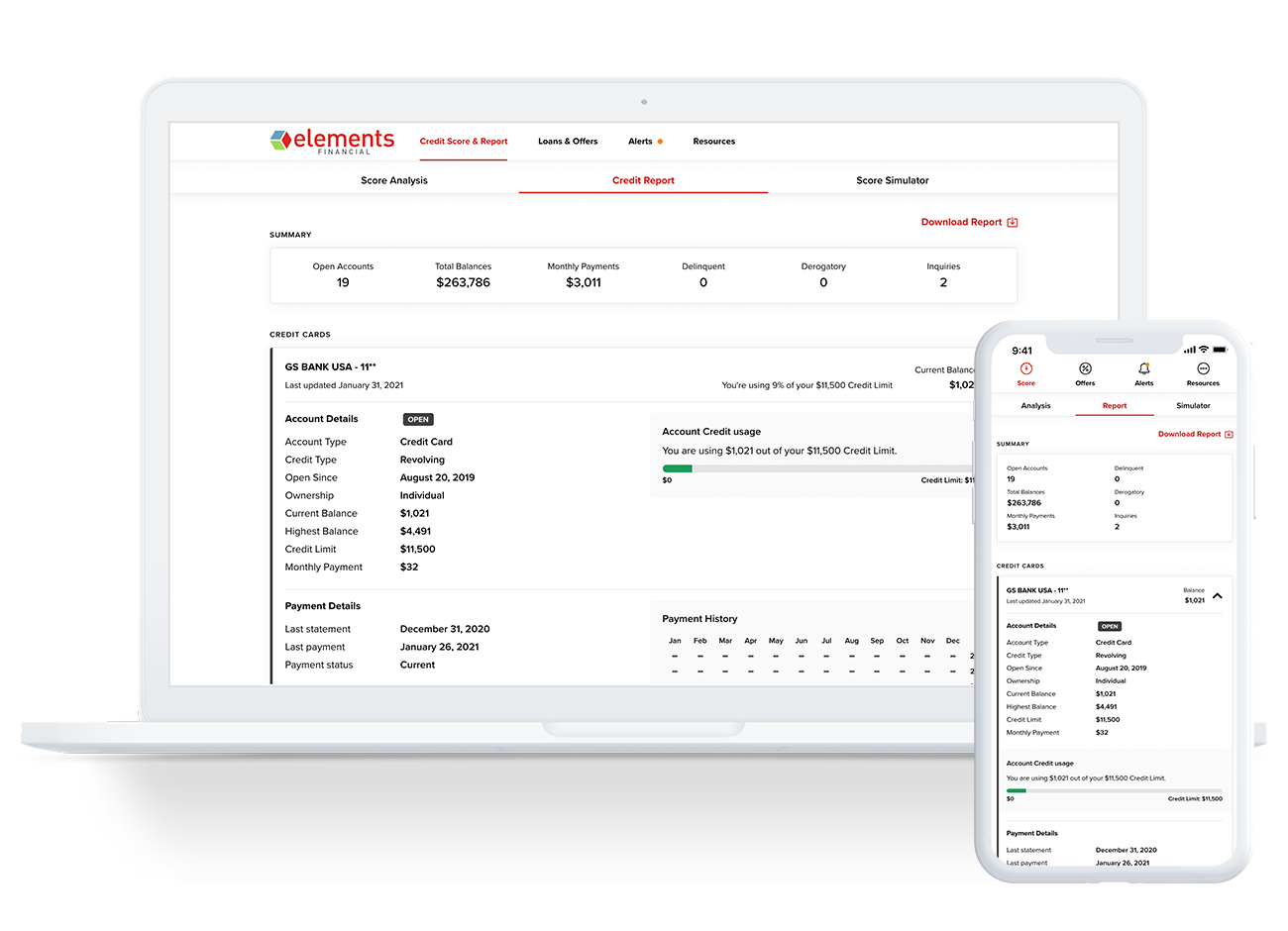
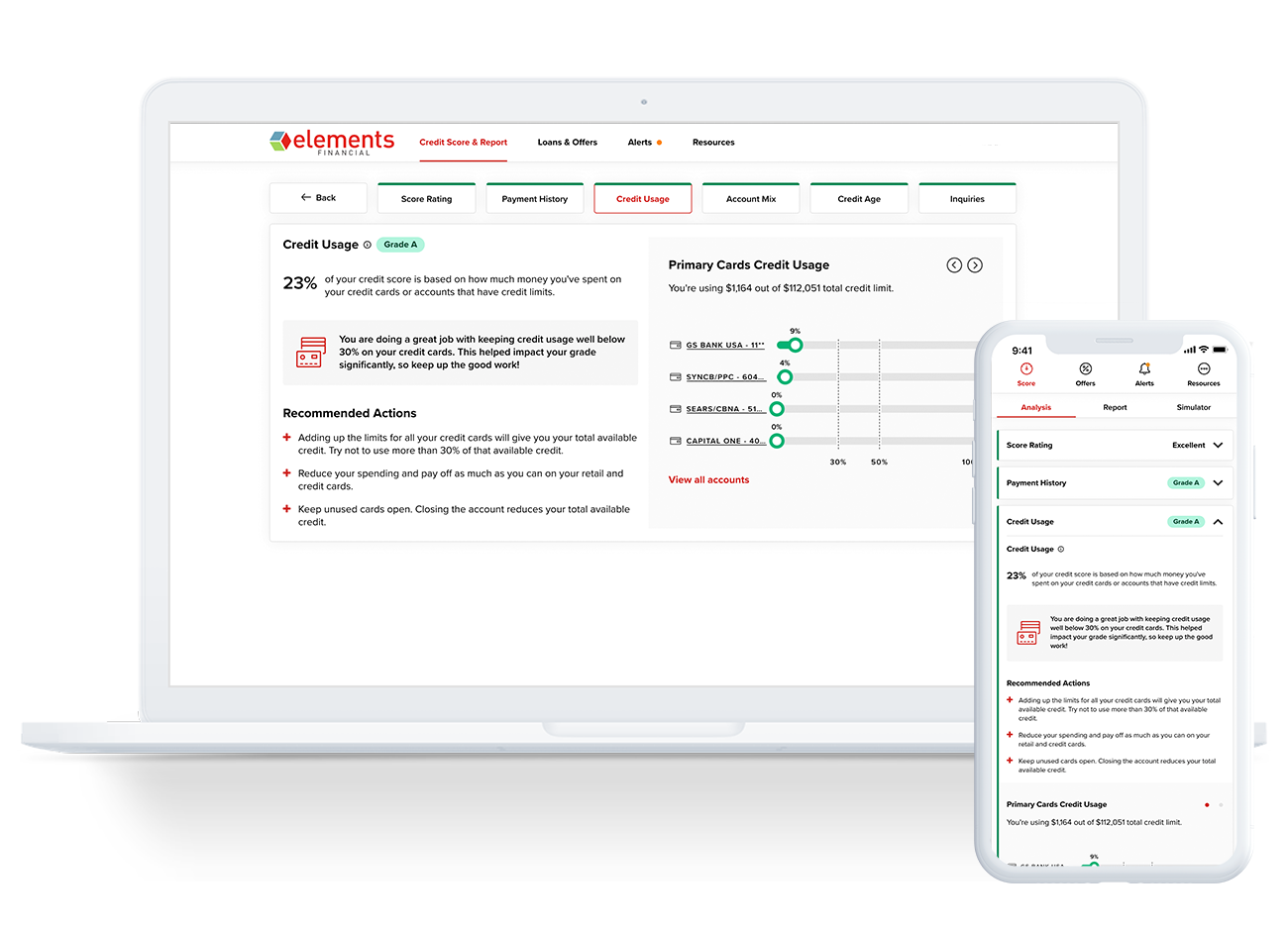
The ability to see your credit score through our partner SavvyMoney is built into Digital Banking and just waiting for you to click on it.
On your computer, log in to Digital Banking. Access your credit score by clicking on the red “Check Your Score” button on the right or by clicking “Featured Tools” then “Credit Score” in the navigation menu on the left. If it’s your first time accessing your credit score, we’ll ask you a few first-time visitor questions to verify your identity. Next time you visit Digital Banking, either access method will bring you to your SavvyMoney dashboard and your credit score.
On the app, click on “Featured Tools” then “Credit Score” in the left menu navigation to get started.


